

Quick answer: No single tool wins for everyone. Zapier suits non-technical teams that want the widest app coverage and the quickest setup. Make suits teams building visual, branching workflows on a modest budget. n8n suits technical teams that want self-hosting, code-level control and predictable costs at high volume. The right choice depends on your team’s skills, your workflow complexity, your volume and your data-control needs.
Introduction
Every growing business ends up with the same problem: too many apps and too much manual work between them. Leads arrive in a form, get copied into a CRM, trigger an email, and land in a spreadsheet for reporting. Done by hand, each step costs time and invites mistakes.
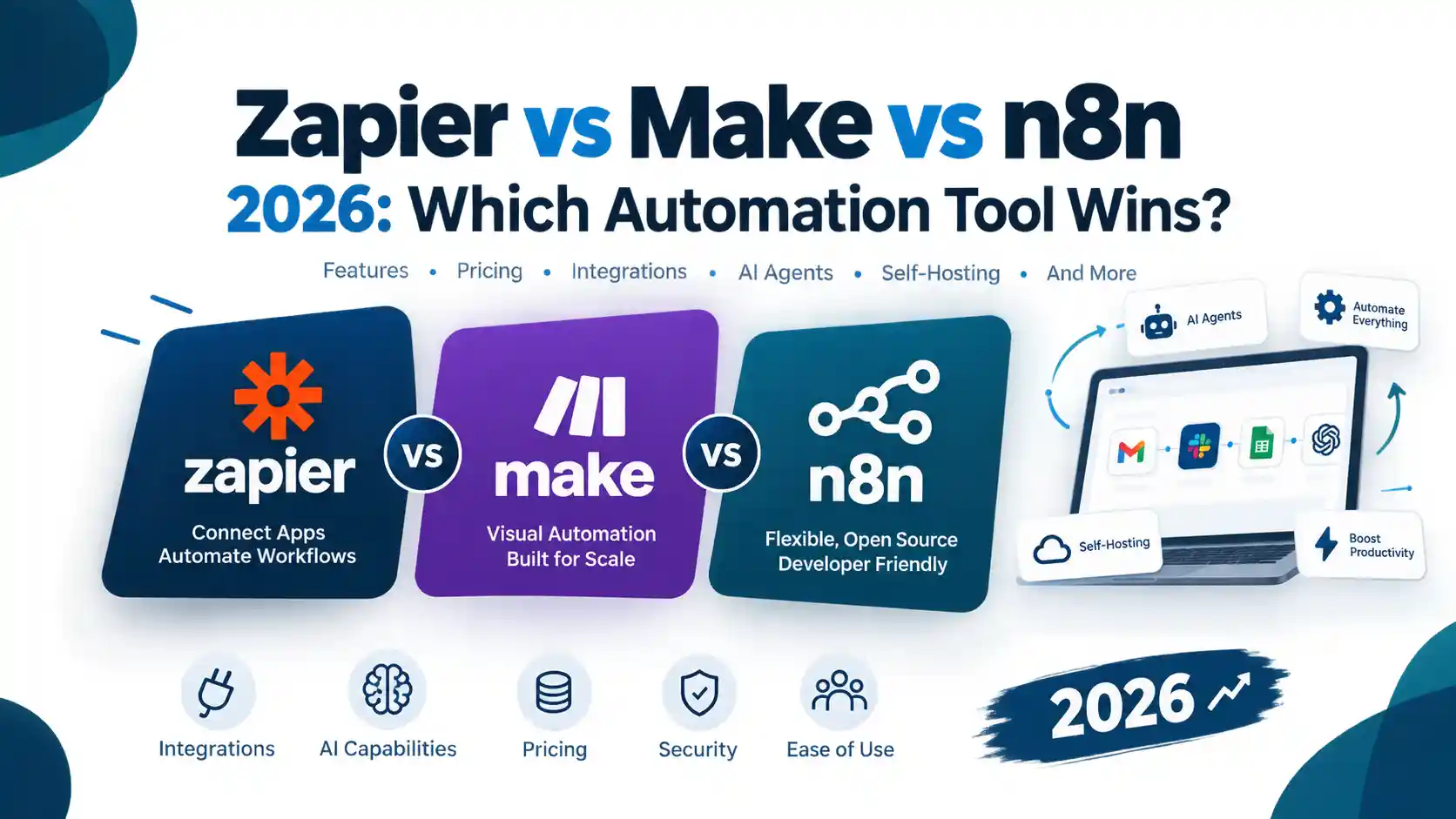
Workflow automation platforms remove that manual work. Three of them dominate the conversation: Zapier, Make and n8n. They look similar on the surface, since all three connect apps through triggers and actions. In practice they differ a great deal in ease of use, pricing model, flexibility and control over your data.
2026 has made the choice harder. All three platforms now offer AI agents and support for the Model Context Protocol (MCP). n8n introduced its new Agents feature as recently as 25 September 2026, and it is still in preview. The question is no longer only “which tool connects my apps?” but also “which tool can safely run AI-driven tasks for my team?”
This guide compares the three platforms on the factors that matter most when you choose:
- how each one works and who it suits
- how billing differs, and why that matters more than the headline price
- the features that separate them, from branching logic to self-hosting
- how each approaches AI agents and MCP
- a simple framework for deciding, plus answers to common questions
A note on our approach. We have kept this article factual and verifiable. Where something is our interpretation rather than a vendor claim, we say so. Because plans and prices change often, we point you to the official pricing pages instead of quoting figures that may already be out of date. Information was last checked on 1 October 2026.
Whether you run a small business, an agency or a technical team, the aim is to help you pick the right tool for your situation and avoid an expensive switch later. If you are also thinking about how automation fits into your wider marketing, our guide to AI tools that automate digital marketing in 2026 is a useful companion.
What are Zapier, Make and n8n?
All three are workflow automation platforms. They connect the apps you already use, such as Gmail, Slack, HubSpot, Google Sheets and Shopify, and move data between them automatically. Each workflow has a trigger (something happens) followed by one or more actions (something is done in response).
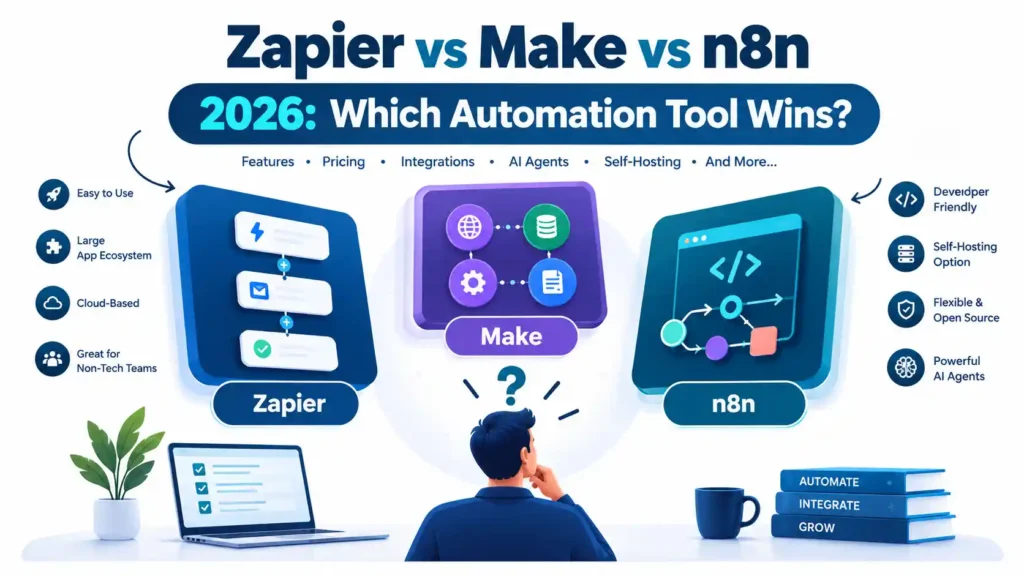
- Zapier is the best-known no-code option. Workflows are called Zaps, and the interface is a linear, step-by-step builder.
- Make (formerly Integromat) uses a visual canvas. Workflows are called scenarios and are built from connected modules, with routers and filters for branching.
- n8n is a node-based, developer-friendly platform. It has a free self-hosted Community Edition and paid cloud plans. Its licence is “fair-code”, meaning the source is available but it is not a traditional open-source licence.
In 2026 all three have added AI agents and Model Context Protocol (MCP) support, so the comparison now covers AI orchestration as well as simple app-to-app automation. If you want to see how automation fits into a wider growth plan, our guide to AI tools that automate digital marketing in 2026 is a useful companion to this comparison.
Zapier vs Make vs n8n at a glance
| Factor | Zapier | Make | n8n |
|---|---|---|---|
| Best for | Non-technical users, fast setup | Visual builders, complex logic on a budget | Developers, self-hosting, high volume |
| Learning curve | Easiest | Moderate | Steepest |
| Builder style | Linear step list | Visual canvas | Node-based canvas |
| Billing unit | Task (each action step that runs) | Credit (one per module run, broadly) | Execution (one per workflow run) |
| Free option | Free plan (100 tasks/month) | Free plan (1,000 credits/month) | Free self-hosted Community Edition |
| Self-hosting | No | No | Yes |
| App coverage | 9,000+ apps | 3,000+ apps | Built-in nodes plus HTTP/API access |
| MCP support | Hosted MCP server | MCP server and client | MCP support in AI features |
App counts come from each vendor’s own materials. n8n’s catalogue changes quickly, so check its current integrations page.
How each platform works
Zapier: simplicity and breadth
Zapier’s main strength is coverage. Zapier says its directory covers more than 9,000 apps. If your stack includes a niche SaaS tool, Zapier is the most likely to have a ready-made connector.
The billing model is the main thing to understand. A Zapier task is each action step that runs, not each Zap and not each time a Zap fires. Triggers and filters do not count as tasks. A five-step Zap can therefore use several tasks per run.
Make: visual logic and value
Make’s canvas shows data flowing between modules, which makes branching, looping and data transformation easier to follow than in a linear list. Make’s pricing is credit-based, and filters and routers are free.
The Free plan allows two active scenarios. Paid plans lift that limit and shorten the minimum scheduling interval.
n8n: control and flexibility
n8n is built for people comfortable with APIs, JSON and a little JavaScript. It has an HTTP Request node, custom code steps and the option to run on your own infrastructure.
Its per-execution billing means a workflow with many steps still counts as one run. That is a significant advantage for complex, high-volume workflows.
Pricing: how the three compare in 2026
Headline prices matter less than billing units, because those determine your bill as you scale.
Plan snapshot
| Free option | Entry paid tier | Volume at entry paid tier | |
|---|---|---|---|
| Zapier | Free plan: 100 tasks a month | Professional | 750 tasks a month |
| Make | Free plan: 1,000 credits a month | Core | 10,000 credits a month |
| n8n | Free, self-hosted Community Edition | Starter (cloud) | 2,500 executions a month |
For n8n, the Pro cloud plan includes 10,000 executions. The self-hosted Business tier is far more expensive and includes 40,000 executions with governance features.
A word of caution on exact prices
Third-party trackers disagree on current plan prices, and vendors change them without notice. For that reason this guide does not quote a single dollar or euro figure as definitive. Before you buy, check the live pricing pages: Zapier pricing, Make pricing and n8n pricing.
A worked example (illustrative)
Imagine a workflow with one trigger and four actions, running 1,000 times a month:
- Zapier: triggers are not counted, so roughly 4 actions × 1,000 runs = about 4,000 tasks.
- Make: each module run uses a credit, so roughly 5 modules × 1,000 runs = about 5,000 credits. AI modules may cost more.
- n8n: one run is one execution, so 1,000 executions.
This is a simplification. Real consumption varies with branching, loops and AI steps. It does show why n8n’s model favours long, complex workflows, while Zapier’s per-step model can get costly as steps and volume grow.
Hidden costs to budget for
- n8n self-hosting: the software is free, but you pay for the server, security, backups and maintenance time.
- Make credits: more records processed means more credits used.
- Zapier task tiers: moving up a volume tier raises the monthly price.
- Currency and payment: prices are listed in USD or EUR, so check that your card works internationally before committing.
Ease of use and learning curve
- Zapier is the easiest for a beginner. A marketer can build a working Zap in minutes.
- Make takes longer to learn because you must understand how data moves between modules. Once you do, complex scenarios are easier to maintain than in a linear list.
- n8n assumes comfort with technical concepts. Non-technical users can use it, but expect a steeper start.
In our view, the learning-curve difference matters most for small teams without a dedicated developer. A tool that is slightly cheaper but takes weeks to learn can cost more overall.
Features that separate the platforms
Branching and complex logic
All three support conditional logic and multi-step flows. Make and n8n handle looping, routing and data transformation more naturally than Zapier’s linear builder.
Custom code and APIs
n8n offers the most direct control through code steps and HTTP requests. Make and Zapier both support webhooks and API calls, but with more guardrails.
Error handling and debugging
Execution logs and retry behaviour matter once workflows run in production. Make shows detailed run histories on its canvas, and n8n lets you inspect data at each node. Check each platform’s current documentation for retry and error-route options before you rely on them.
Self-hosting and data control
Only n8n offers a self-hosted route. If your data cannot leave your own infrastructure, this settles the decision.
Team collaboration and governance
Shared workspaces, roles and single sign-on (SSO) are available on higher tiers across all three. Check which tier includes them, because this is where costs often jump.
AI agents and MCP in 2026
This is the biggest shift in the market this year.
What is MCP?
The Model Context Protocol (MCP) is a standard that lets AI assistants call external tools in a structured way. For automation platforms, it means an AI client such as Claude or ChatGPT can trigger your workflows or reach your apps.
How each platform approaches it
- Zapier: Zapier MCP gives MCP-compatible AI clients access to more than 9,000 apps. Its documentation lists the officially supported clients, including ChatGPT, Microsoft Copilot Studio and VS Code. The appeal is that you reuse Zapier’s existing connectors and authentication.
- Make: The Make MCP Server exposes your scenarios as tools to external AI. Make also offers an MCP client, and both are included on all plans at no extra cost. Make AI Agents can use tools from external MCP servers in the same run as native Make modules.
- n8n: On 25 September 2026 n8n introduced Agents, where you describe a task, choose a model, and give it tools and workflows. One turn with an agent counts as one execution, and the feature is still in preview. n8n also ships updates frequently, so check its release notes for the latest agent and MCP changes.
An honest caution
AI agents are powerful but not yet fully predictable. For anything touching money, customer data or live systems, add a human-in-the-loop step and test thoroughly. The agent features above are new, so expect changes.
Which platform for which use case?
Small businesses and non-technical teams
Zapier is usually the safest start. Setup is fast and the connector library is the largest. If you are still building your online presence, pair automation with the basics in our guide to SEO for small businesses, so the leads you automate are actually coming in. Make is a strong alternative if you are willing to learn a visual canvas to save money.
Marketing, sales and RevOps teams
Lead routing, CRM updates and campaign reporting involve many apps and fairly simple logic. Zapier’s breadth helps here. Make works well when you need heavier data handling, such as filtering and reshaping spreadsheets. Reporting workflows also pair well with a reliable SEO toolset, so see our comparison of Semrush vs Ahrefs vs Ubersuggest if you are choosing one.
Agencies
Agencies often manage many client workflows. Make’s value and n8n’s cost model both appeal at scale. n8n’s self-hosting also helps when clients demand data separation. Check each platform’s rules on client accounts and team seats first. If you are weighing whether to build this in-house or hire help, read how to choose the best digital marketing agency.
Developers and technical teams
n8n is the natural fit. You get code steps, API control and the option to self-host.
Enterprises
All three offer enterprise tiers with custom pricing. Evaluate security certifications, SSO, audit logging and support terms directly with each vendor.
Businesses in Pakistan
Local conditions affect the choice in a few practical ways. These are our interpretation rather than vendor claims.
- Payment: all three bill in foreign currency, so confirm that your card is accepted.
- Data control: if clients ask where their data lives, n8n’s self-hosting is the clearest answer.
- Skills: a team with a strong developer can benefit from n8n. A marketing-led team will likely be faster with Zapier or Make.
Can one tool replace another?
- Can n8n replace Zapier? Often yes, if someone technical will rebuild and maintain the workflows. You may lose some niche connectors, but n8n’s HTTP node can usually bridge the gap.
- Can Make replace Zapier? For many workflows, yes. Check that every app you rely on has a Make module first.
- Can n8n replace Make? Yes in most cases, though it means moving from a more guided canvas to a more technical one.
Many teams also use two tools together. A common pattern is Zapier for quick business-user automations and n8n for heavier backend processes.
Common mistakes when choosing
- Choosing on headline price alone. Billing units can make a cheap-looking plan expensive at scale.
- Underestimating maintenance. Self-hosted n8n needs someone to look after it.
- Ignoring error handling. Silent failures cost more than a monthly subscription.
- Over-automating with AI too early. Prove a simple workflow first, then add an agent.
- Not checking app support. Confirm every app you need has a connector before committing.
- Automating a broken process. Automation speeds up whatever you already do. If your site is not attracting the right traffic, fix that first. Our guide on why a website is not ranking is a good place to start.
How to decide: a simple framework
Answer these in order:
- Must data stay on your own servers? If yes, choose n8n.
- Does your team lack technical skills and need results this week? Choose Zapier.
- Do you need complex branching on a tight budget, and can your team learn a canvas? Choose Make.
- Is your volume high, with long multi-step workflows? Compare n8n’s per-execution model against the others using your real numbers.
- Still unsure? Run the same small workflow on each free option and measure setup time, reliability and consumption.
Frequently asked questions
What is the main difference between Zapier, Make and n8n?
Zapier prioritises ease of use and app breadth. Make offers a visual canvas and value for complex logic. n8n offers technical control and self-hosting.
Which is easiest to use?
Zapier is generally the easiest, followed by Make, then n8n.
Which is cheapest?
It depends on volume and workflow design. Make often looks cheap for moderate volume. n8n’s self-hosted edition has no licence fee but carries server and maintenance costs. Zapier can become costly as steps and volume grow.
Does n8n have a free version?
Yes. The self-hosted Community Edition is free, with no vendor-imposed execution limit. You pay for your own server.
Does Make have a free plan?
Yes. It includes 1,000 credits a month.
Does Zapier have a free plan?
Yes. It includes 100 tasks a month.
Which supports self-hosting?
Only n8n.
Which is best for AI agents?
All three now offer agent features and MCP support. Zapier has the broadest app reach for agent actions, Make combines agents with a visual builder, and n8n gives the most control. n8n’s new Agents feature is still in preview.
Which is best for small businesses?
Most small teams start fastest with Zapier. Make is a strong choice if budget is tight and someone can learn the canvas.
Conclusion: Which Automation Tool Should You Choose in 2026?
Zapier, Make and n8n are all strong platforms, but they solve slightly different problems. The best choice depends on who will build the workflows, how complex they are and how much data you need to control.
Key takeaways
- Zapier is the fastest to learn and has the widest app coverage. It is the safest start for non-technical teams, though its per-step billing can add up as workflows grow.
- Make gives you a visual canvas, free routers and filters, and good value for branching logic. It rewards teams willing to learn how data moves between modules.
- n8n offers the most control, including self-hosting and per-execution billing. It suits technical teams, but someone must maintain it.
- AI agents and MCP are now available on all three, but they are still new. Test carefully and keep a human in the loop for anything sensitive.
- Pricing changes often. Always confirm current plans on the official pages before you commit.
If you are unsure, do not guess. Build the same small workflow on each free option and compare setup time, reliability and usage. Your own data will answer the question better than any comparison, including this one.
Automation also works best when the basics around it are strong. Reliable lead flow starts with a site that ranks and converts, so it is worth revisiting SEO for small businesses and our AI tools for digital marketing automation alongside this guide. If you would rather have experts design and set up your workflows, Flow Stack Hub’s services are a good place to begin, or you can contact us directly.